How to Audit Your LinkedIn Profile in 10 Minutes (Free Checklist)
Most people have never actually looked at their LinkedIn profile the way a stranger does. They wrote it once, years ago, and never touched it again.
That is a problem, because your profile is doing one of two things right now. It is either building trust before someone even talks to you, or it is quietly working against you.
Here is the exact checklist we use when we audit a profile for a client. Grab your own profile and go through it right now.
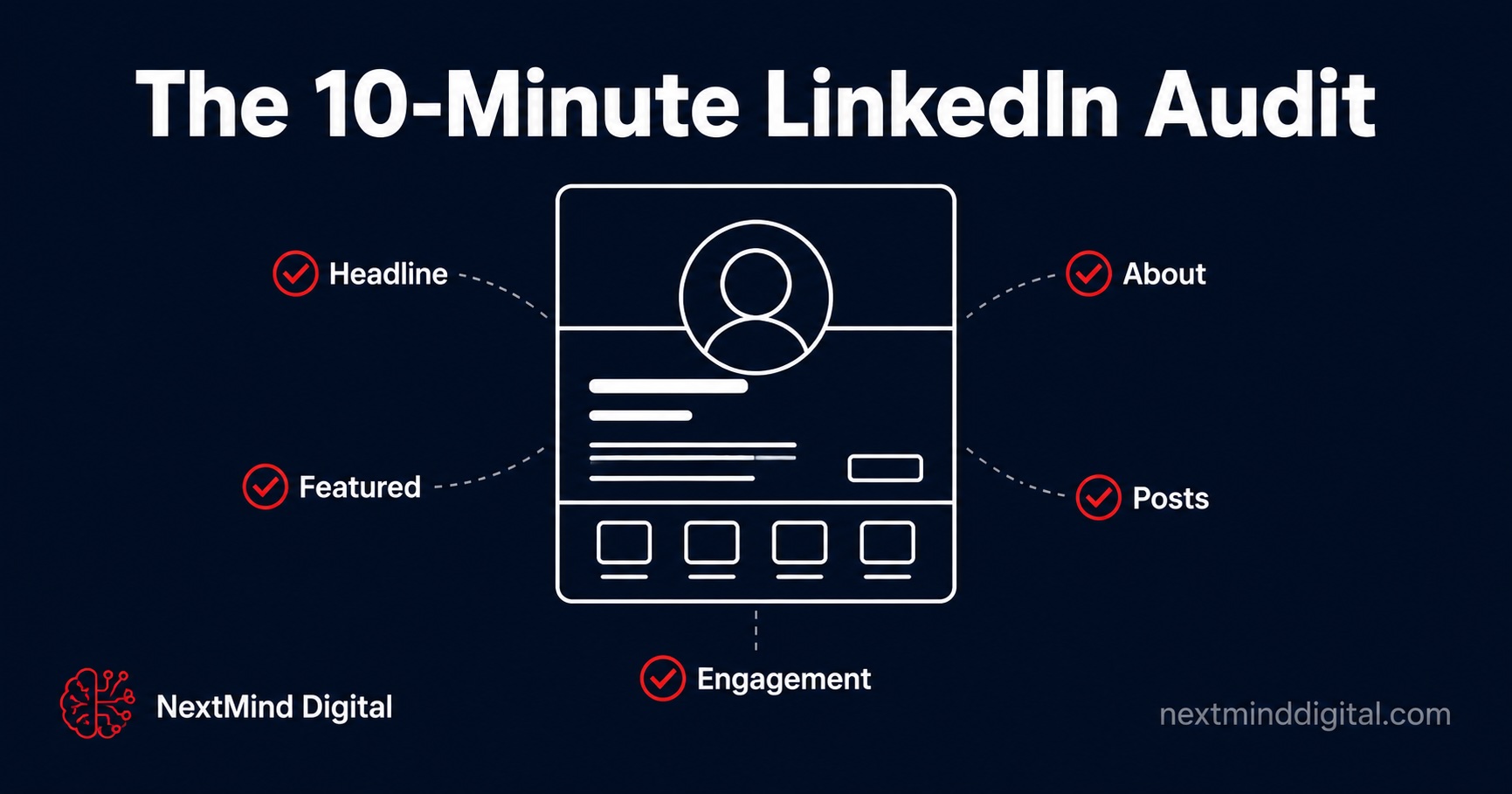
1. The Headline (3 second test)
Read your headline out loud. Can a stranger tell what you DO for them in under 3 seconds?
Common mistake: stacking 4 or 5 job titles separated by pipes. "CEO | Founder | Strategist | Consultant | Speaker" tells people nothing about what you actually deliver.
Fix: One clear sentence. Who you help and what outcome you create for them.
2. The About Section (the 2-line test)
LinkedIn cuts your About section after 2 to 3 lines unless someone clicks "see more." Most people never click.
Open your About section and read only the first 2 lines. Do they make someone want to read more, or do they sound like a job description?
Fix: Open with a problem your ideal client recognizes, not your own biography.
3. The Featured Section (your silent landing page)
This section is the closest thing LinkedIn gives you to a mini landing page. Most people leave it empty or fill it with outdated posts.
Check: Does your Featured section include a way for someone to take the next step? A booking link, a lead magnet, or your single best post?
4. Posting Consistency
Go to your activity tab. When was your last post? When was the one before that?
If there are gaps longer than 2 weeks, the algorithm has likely stopped distributing your content as widely.
5. Engagement Rate
This is the number almost nobody checks, and it is the most revealing one.
To calculate yours: take your last 10 posts. For each post, add up reactions, comments and reposts, divide by that post's impressions and multiply by 100. Then average the 10 per-post rates. Impressions are only visible to you in each post's analytics, so you need access to the account's post analytics.
No access to impressions? Use a clearly labelled follower-based rate instead: for each of the same 10 posts, add reactions, comments and reposts, divide by your follower count on the day you measure and multiply by 100, then average the 10 rates. Label it "follower-based" and never compare it with an impression-based number. There is no single healthy range for either method; compare against your own earlier posts measured the same way.
What to Do With This
If you went through all 5 and found 2 or more issues, your profile is likely costing you more opportunities than you realize. Every visitor who lands on a weak profile unconsciously downgrades how seriously they take you.
The fixes above are things you can do yourself. If you want a structured review with ranked priority fixes, our paid Social Media Intelligence Report covers it.
"Every visitor who lands on a weak profile unconsciously downgrades how seriously they take you."
Want a Professional Audit Instead of Guessing?
Our paid Social Media Intelligence Report reviews your LinkedIn or Instagram profile, including engagement calculated with a stated method, ranked issues and suggested post rewrites.
See a Sample Report